
Your day · Their perspectives
The moments you missed.
The memories you’ll keep.
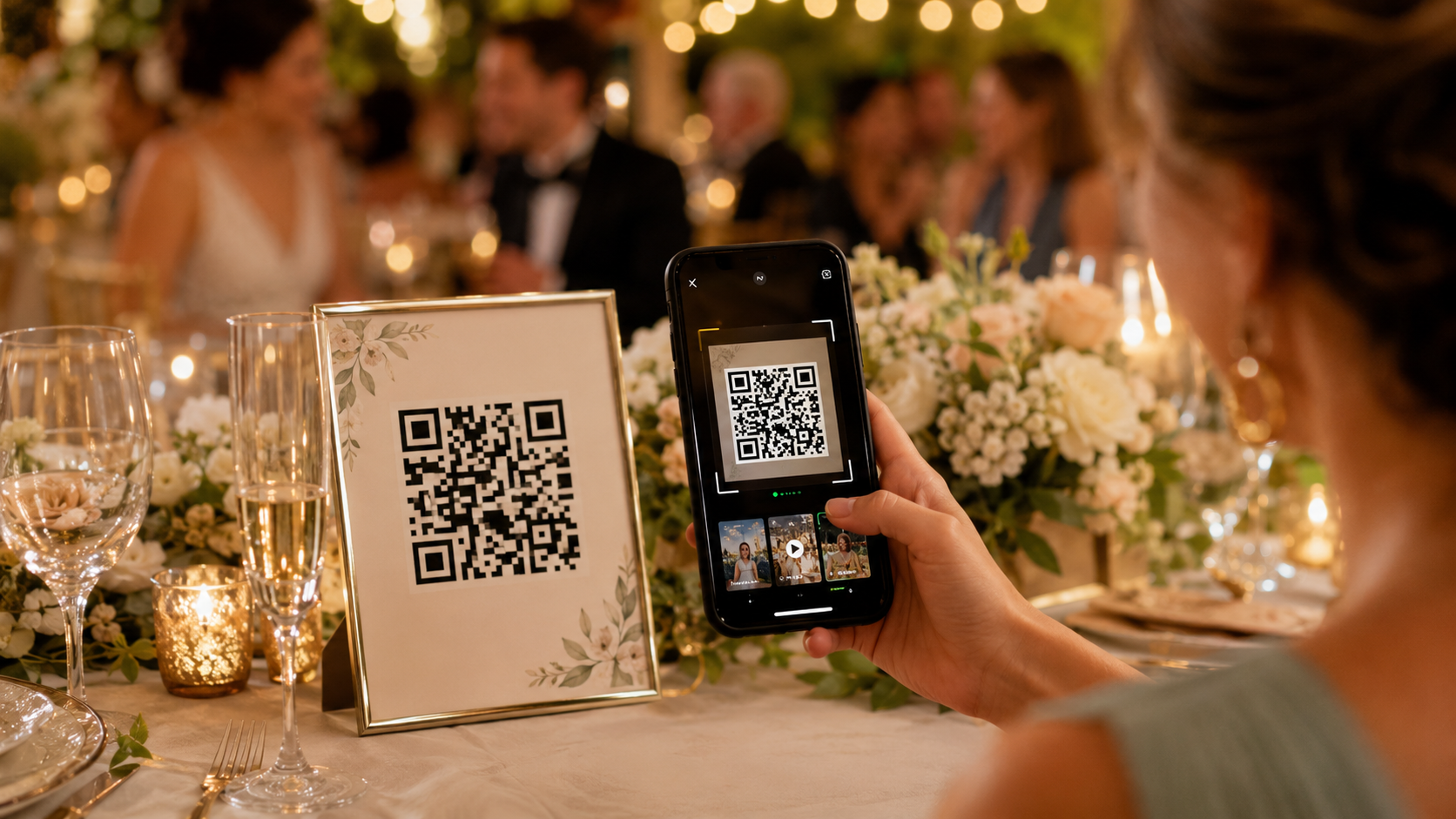
Make wedding photo sharing easy with one QR code. Collect candid wedding photos, videos, and messages from the people celebrating with you. Guests contribute from their phones—no app or guest account required.
Keep the photos—and the words behind them.
What your guests saw
Photo Drop
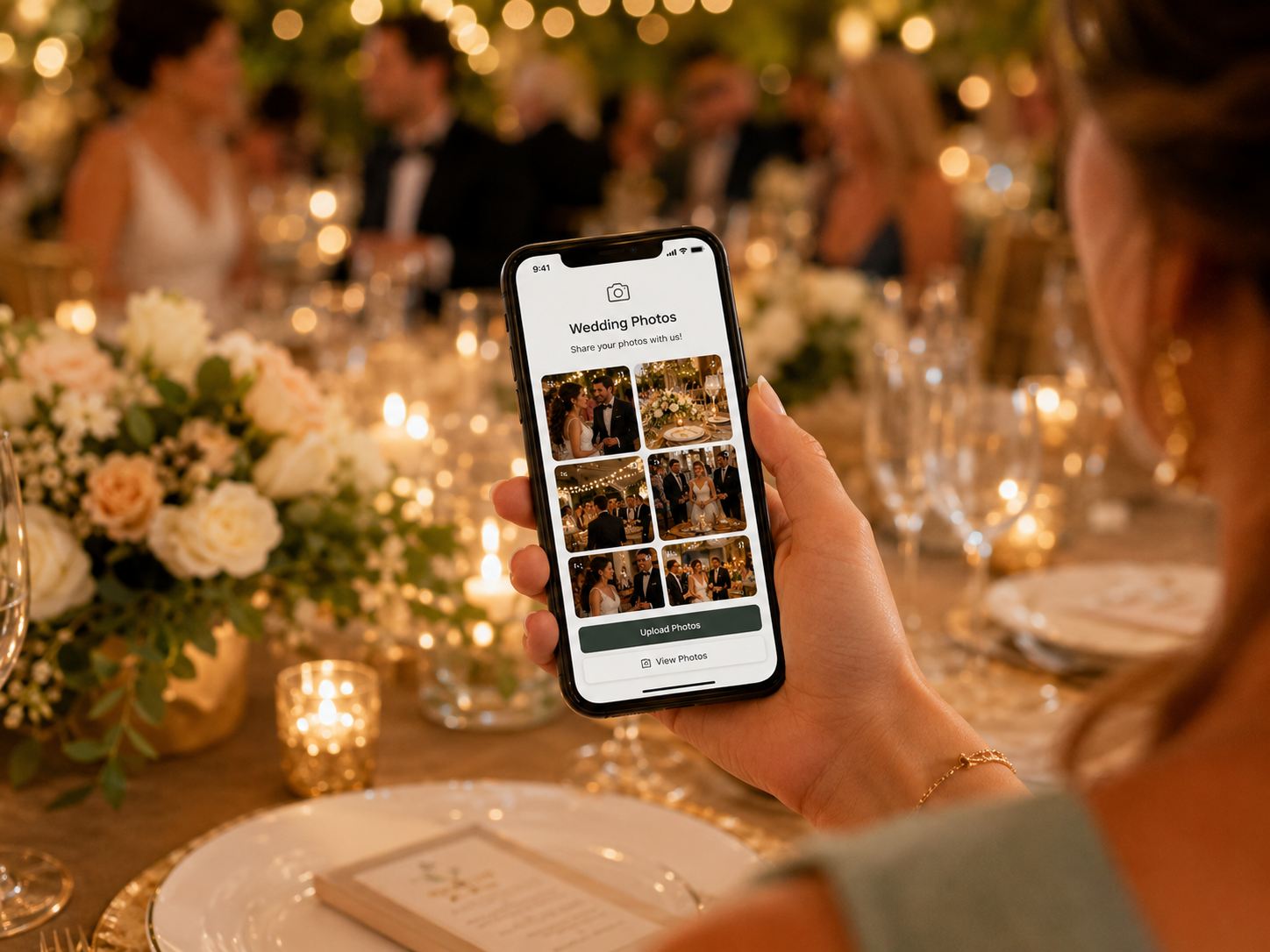
Bring together table selfies, dance-floor videos, candid reactions, and behind-the-scenes moments from guests’ phones.
$29 launch price
Choose Photo DropWhat they want to say
Digital Guestbook
Save congratulations, marriage advice, favorite memories, heartfelt notes, and optional photos in your wedding Guestbook.
$29 launch price
Choose GuestbookGet both for $49 — save $9
Photo Drop + Digital Guestbook for the same event.
Use a Wedding QR Code for Guest Photo Sharing
Wedding guest photo sharing makes it easy to collect the candid moments your photographer may not see. Guests scan one QR code and contribute wedding photos and videos from their phones, with no app or guest account required.
- Create your wedding event. Purchase Photo Drop and enter your wedding name and date during checkout.
- Share your QR code. Put it on reception tables, signs, programs, invitations, or your wedding website. You can also share the upload link.
- Guests contribute. They scan the code and upload wedding photos and videos through their phone browsers.
- Download your memories. View and download submitted media from your private Event Portal. Save your files before the 90-day retention period ends.
See the possibilities
A wedding Guestbook to revisit.
Explore our demonstration Guestbook and finished keepsake examples. Depending on the design, personalize your Guestbook title, colors, background, and other appearance settings.
Wedding Photo Sharing: Frequently Asked Questions
How do I create a QR code for wedding photos?
Purchase Photo Drop and enter your wedding name and date during checkout. Your event includes a private upload link and QR code. Display the QR code at your wedding so guests can scan it and upload their photos and videos from their phones.
How do I collect wedding photos from guests without an app?
Create a Photo Drop event and share its QR code or upload link. Guests select wedding photos and videos from their phones and upload through their browsers. No guest account or app download is required.
What should I write on a wedding photo sharing sign?
Try “Share the moments we missed. Scan to upload your wedding photos and videos.” Display the code on reception tables or near the guestbook, and ask your host or DJ to mention it.
Does guest photo sharing replace a wedding photographer?
Guest photo sharing complements professional photography. It helps collect table selfies, candid reactions, dance-floor videos, and other perspectives from friends and family. It does not replace the coverage provided by your photographer.
Your wedding. More of the memories.
Get Photo Drop and Digital Guestbook together for the same wedding for $49.