
Family Reunion memories, together
One family. So many stories.
Bring reunion photos, videos, family stories, and messages together. Relatives contribute from their phones without an app or guest account.
Keep the moments—and the messages.
What your guests saw
Photo Drop
Collect group pictures, candid moments, reunion videos, and family photos shared by relatives across generations.
$29 launch price
Choose Photo DropWhat they want to say
Digital Guestbook
Preserve family stories, memories, tributes, and optional photos in a Guestbook made for your reunion.
$29 launch price
Choose GuestbookGet both for $49 — save $9
Photo Drop + Digital Guestbook for the same event.
One place for your Family Reunion memories.
- Create your event. Purchase Photo Drop and enter your event name and date during checkout.
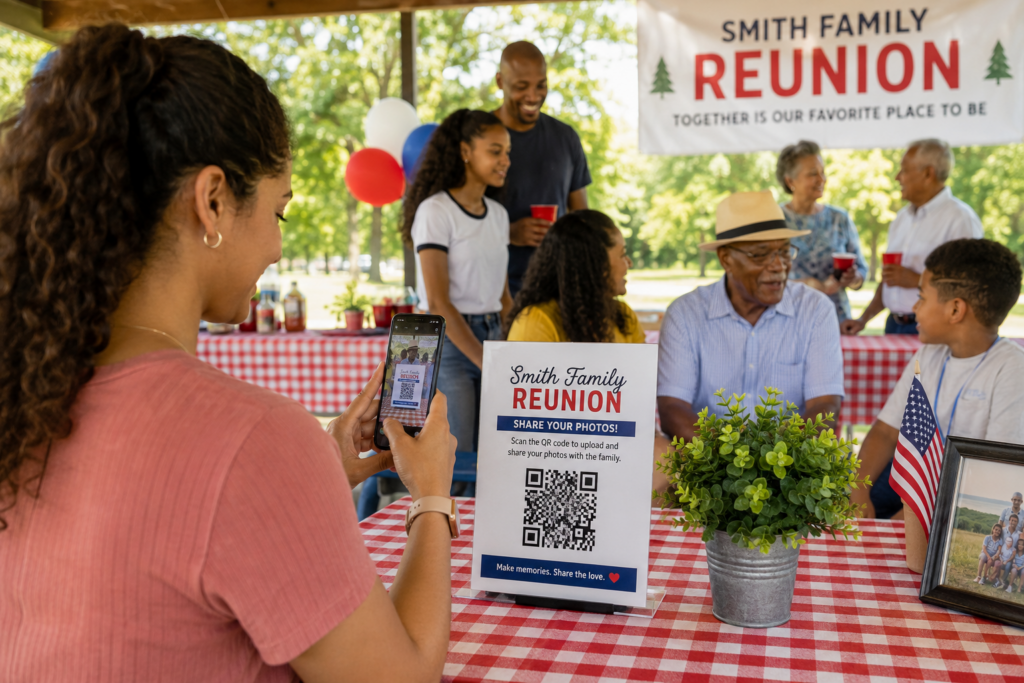
- Share your QR code. Display it on table cards, reunion schedules, welcome signs, or name-tag stations. You can also send the upload link directly.
- Guests contribute. They upload photos and videos through their phone browsers without an app or guest account.
- Keep the collection. Use your private Event Portal to view and download submitted media. Save your files before the 90-day retention period ends.
Make the celebration yours
Photos to enjoy. Messages to revisit.
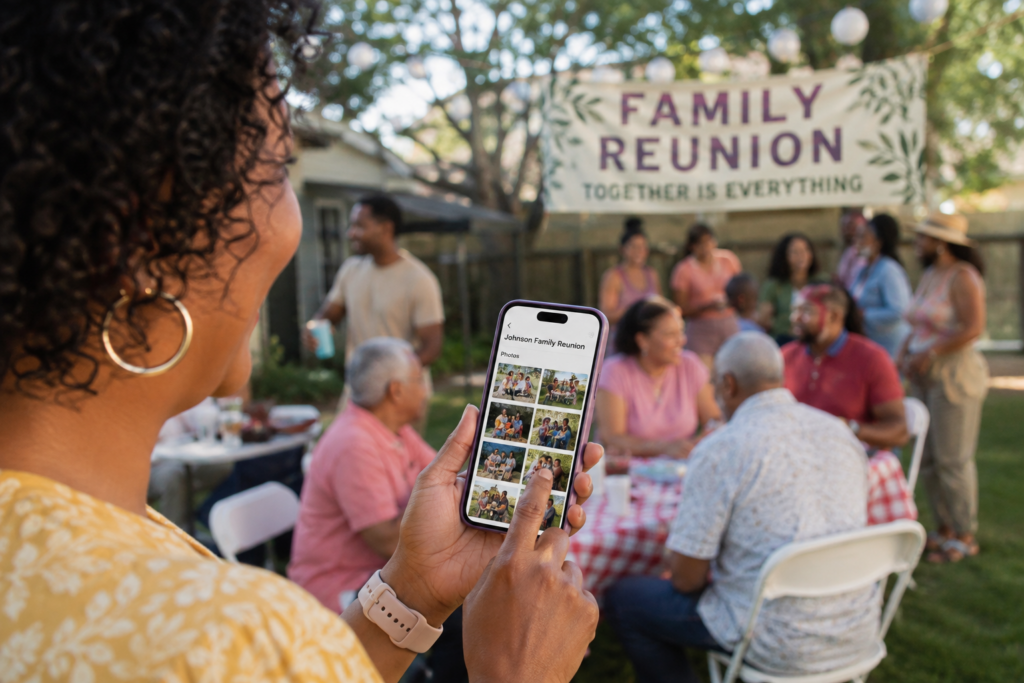
Give guests a place to contribute the memories that matter. Digital Guestbook themes are starting points: depending on the design, personalize the title, colors, background, and other appearance settings.
Explore our wedding and quinceañera examples to see how a finished Guestbook and keepsake can look.
See Guestbook & Keepsake ExamplesBring Every Branch of the Family Into the Collection
Share the link before the reunion
Include your Photo Drop upload link with the reunion schedule or family invitation. At the gathering, display the QR code near check-in and group-photo areas. Relatives who prefer tapping a link can use that instead of scanning.
Collect more than the formal group picture
Invite relatives to capture conversations, shared meals, games, and different generations spending time together. Ask a family member to help anyone who needs assistance opening the upload page or selecting photos.
Preserve the stories behind family memories
Use Digital Guestbook to invite stories about family traditions and earlier reunions. Encourage contributors to name the people and places in their message. For older family photos, ask permission before sharing and keep the originals safely stored.
Family Reunion Photo Sharing: Frequently Asked Questions
How can we collect reunion photos without a social media group?
Share your Photo Drop upload link or QR code with relatives. They can upload photos and videos from their phone browsers without joining a social network or creating a guest account.
What if a relative does not know how to scan a QR code?
Send the upload link directly by text or email so they can tap it instead. At the reunion, a family member can help them open the page and choose the photos they want to contribute. An internet connection is required.
Can relatives who cannot attend share family stories?
Yes. Choose Digital Guestbook and send its Sign Guestbook link to relatives wherever they are. They can contribute family stories, memories, messages, and an optional photo.
Bring more of the memories together.
Get Photo Drop and Digital Guestbook for the same event for $49.